• There is NO official Otland's Discord server and NO official Otland's server list. The Otland's Staff does not manage any Discord server or server list. Moderators or administrator of any Discord server or server lists have NO connection to the Otland's Staff. Do not get scammed!
  • 2026 staff recruitment is open! Check it out and consider applying!

Blue tint

Joshuadaman

Intermediate OT User
Joined
Jun 30, 2009
Messages
858
Reaction score
115
Location
Lakewood, Washington
Just got a new computer today .. blah blah, only bought the desktop, cause I have a nice monitor. Anyways I hooked it all up & now it's got a blue tint & it's pissing me off lol. Anyway to fix this? I'm also running on Windows 8.
 
If it helps my graphic card is AMD Radeon HD 7310 Graphics.

How do I tweak my monitor settings? Theres no buttons other than to turn the monitor off & on my my monitor.
 
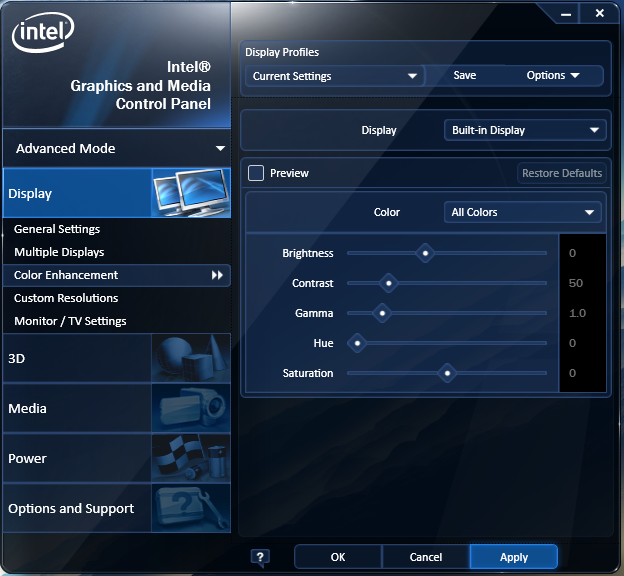
Could try graphics properties, mine looks like this

lHahnmf.png
 
There should be more buttons, and possibly a program for your graphics card where you could tweak your settings.
 
Hit whatever menu button you have to bring up the monitors GUI (Should be under the monitor?)
Try changing the color profile.

There should be no other reason it's changing the color of your screen.
 
Also before trying all of the above, make sure the lead is plugged in correctly into your monitor and computer base. Might sound stupid, but my second screen does it when I knock the wire sometimes and it's blue.
 
Back
Top