• There is NO official Otland's Discord server and NO official Otland's server list. The Otland's Staff does not manage any Discord server or server list. Moderators or administrator of any Discord server or server lists have NO connection to the Otland's Staff. Do not get scammed!
  • 2026 staff recruitment is open! Check it out and consider applying!

Mysql problem when iniciating server

Thorn

Spriting since 2013
Joined
Sep 24, 2012
Messages
2,203
Solutions
1
Reaction score
923
Location
Chile
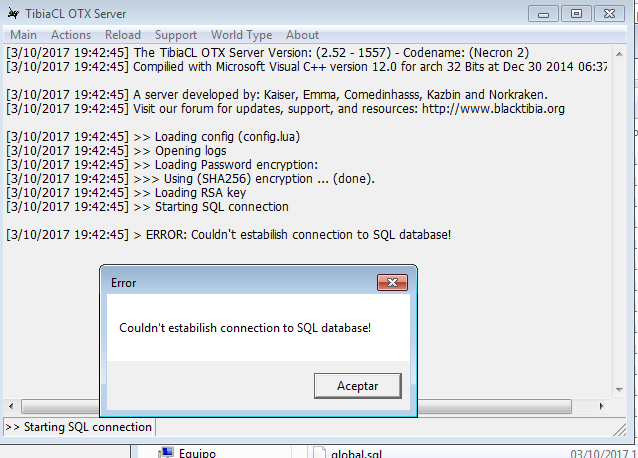
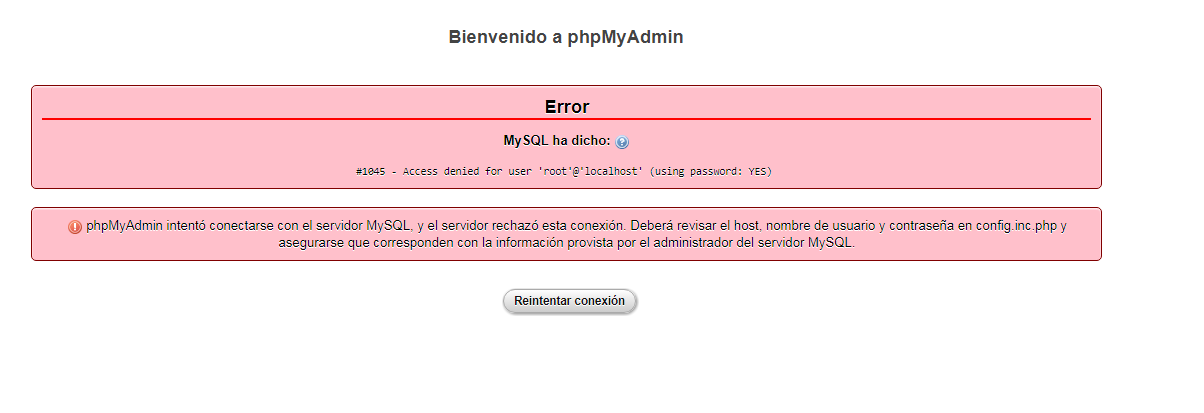
Hello guys, well long story short...
im using a launcher from a 2.52 otx server, my original into a server 11.00 global
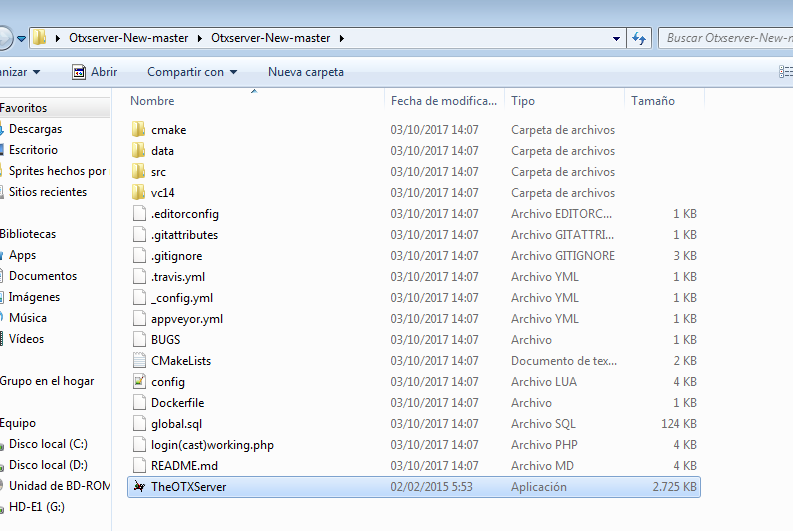
and i can't get it to work, im trying to get this new server up in localhost with the exe i had (because there's only the datapack available)
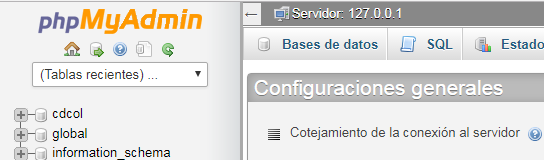
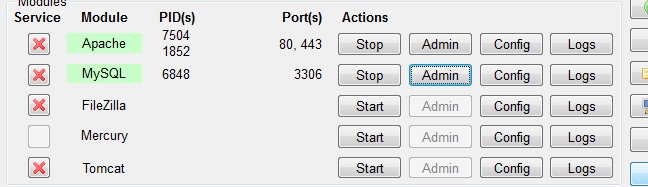
here are some images:
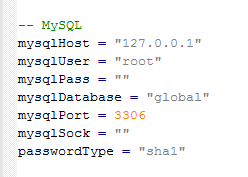
1db8b1babed90b77722edd02089dc916.png
2f408ca78f16123d52242f2a32ec6cd2.png
5295954a9aace4173e041e332b48f836.png
28c360b4292c39e928f3f7b1509d8164.png

0d0d84111aaf6e7e3202ce11bcae37f8.png


i hope you guys can help mee :(
 
Last edited:
Are you sure root user has no password set?

If I would be you, then I would create a new user in the database named global, with all privileges to database global. It's more secure.
 
Are you sure root user has no password set?

If I would be you, then I would create a new user in the database named global, with all privileges to database global. It's more secure.

Ok here is what i did, aparently i had a password, but i have no idea wich one is it, so i went to users and set the user root@localhost with no password, then i reset mysql and got this D;

efb8d7dde9735c08ba483e75fb262fad.png


Fixed this last issue, i just reinstalled xampp, now this is how it looks
6f4915c9a8e90e10304778a23eeb1793.png
 
Last edited:
In phpmyadmin, create a new user for your OT server along with a new database.

Watch a few minutes from my tutorial:

from timestamp 5:11 to 7:09 (2 minutes).
In the host field, don't use local or localhost, use the IP 127.0.0.1. This is also what you type in config.lua under mysql host details, as well as config.php (if using Znote AAC).

Stop screwing around with root. Even if it is just local hosting and testing.
 
In phpmyadmin, create a new user for your OT server along with a new database.

Watch a few minutes from my tutorial:

from timestamp 5:11 to 7:09 (2 minutes).
In the host field, don't use local or localhost, use the IP 127.0.0.1. This is also what you type in config.lua under mysql host details, as well as config.php (if using Znote AAC).

Stop screwing around with root. Even if it is just local hosting and testing.
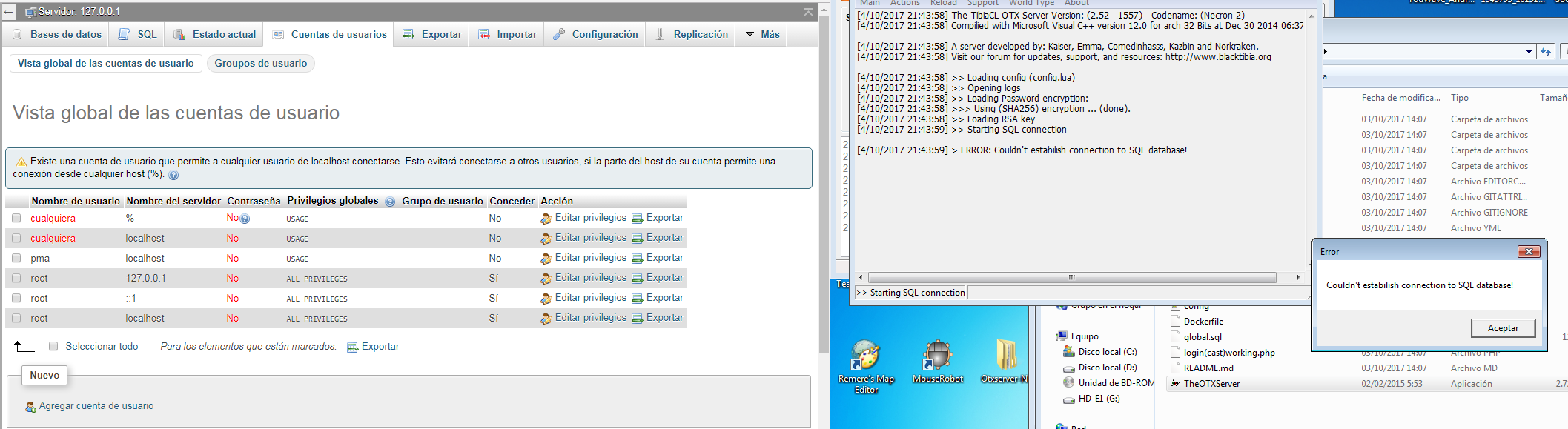
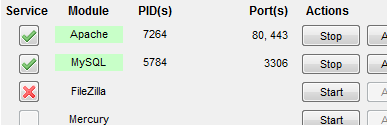
thanks for the anwer man, i created a new user but i still cant run this thing, here are some photos :(
d2de8d935ff42d6825df3a1843814bfa.png

556c810976a3459840ecc1333da2671e.png

ca3ff101147951767f4cb6e488c2d266.png


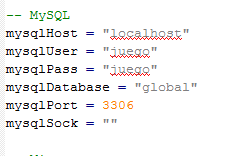
i created user juego password juego with all privileges and still can't iniciate the game D;

ooh and i tried using 127.0.0.1 but is the same :/
 
thanks for the anwer man, i created a new user but i still cant run this thing, here are some photos :(
d2de8d935ff42d6825df3a1843814bfa.png

556c810976a3459840ecc1333da2671e.png

ca3ff101147951767f4cb6e488c2d266.png


i created user juego password juego with all privileges and still can't iniciate the game D;

ooh and i tried using 127.0.0.1 but is the same :/

When creating the user and database "juego" in phpmyadmin, you must set ip to 127.0.0.1 not localhost.
And then you can connect with juego/juego 127.0.0.1. You cant do 127.0.0.1 in config.lua and have localhost in phpmyadmin.
 
When creating the user and database "juego" in phpmyadmin, you must set ip to 127.0.0.1 not localhost.
And then you can connect with juego/juego 127.0.0.1. You cant do 127.0.0.1 in config.lua and have localhost in phpmyadmin.
Ok i did what you said, check this
45943c510de73f895cccd433bbecc331.png

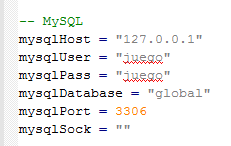
there is juego 127.0.0.1, soo in config.lua
8129e23d1d76188f06e2f17b5bbf98eb.png

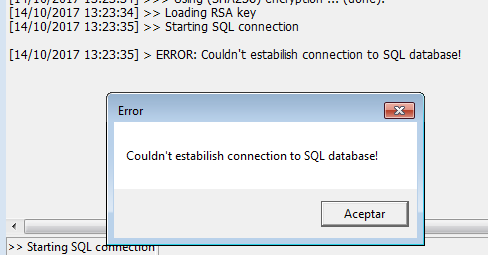
and in console :(
0d2d9e4a367867e140bf031560d2ffd9.png
 
Back
Top