• There is NO official Otland's Discord server and NO official Otland's server list. The Otland's Staff does not manage any Discord server or server list. Moderators or administrator of any Discord server or server lists have NO connection to the Otland's Staff. Do not get scammed!
  • 2026 staff recruitment is open! Check it out and consider applying!

About the Tibia 12 sprites..

Joriku

Working in the mines, need something?
Joined
Jul 16, 2016
Messages
1,175
Solutions
17
Reaction score
481
Location
Sweden
Hi,
so. I've been trying but I just can't figure it out yet..
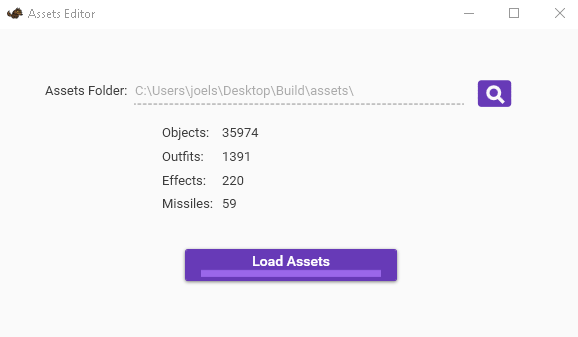
I am using SpiderOT's latest release of assets editor for the 12 client.

My question is, how the hell do you save the assets to use them in-game?
014baa005db77157e975a8b343eec916.png


It just does not want to save..
e7b32e2ef815402dad194eb6cc5855b9.png
 
Last edited:
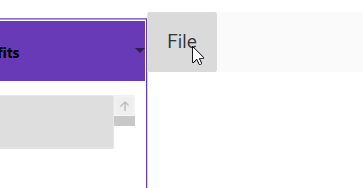
Make sure to compile, the button is kinda hidden lmao
View attachment 62723
Thank you, any clue about the id part.
Think it's based on client item Id after the compile. Right, but hmm. Now to a part, asking cus it might save me hours.

How do i find the created item in-game? - the item ID, tried with the id inside the assets but it's different..
Thanks for that part tho, did not even see it
 
You have to update items.otb inside server folder/items and in RME folder with the updated DAT/SPR using spider converter Assets to -> DAT & SPR
Then use that DAT/SPR with the RME, go to RAW/OTHERS tab and most likely is the last item from others tab
 
You have to update items.otb inside server folder/items and in RME folder with the updated DAT/SPR using spider converter Assets to -> DAT & SPR
Then use that DAT/SPR with the RME, go to RAW/OTHERS tab and most likely is the last item from others tab
Yeah, thanks!
Figured that part out :)

Thanks, you saved me hours to come for something not seen by my eyes <3
6bcca6e1331bf430418beb253dc80167.png

Post automatically merged:

Yeah, thanks!
Figured that part out :)

Thanks, you saved me hours to come for something not seen by my eyes <3
6bcca6e1331bf430418beb253dc80167.png
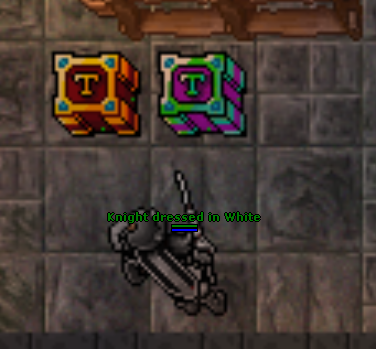
One thing tho..
This..
5519ee4c33447656a34f475c79ad88e6.png

keeps crashing the client
 
Last edited:
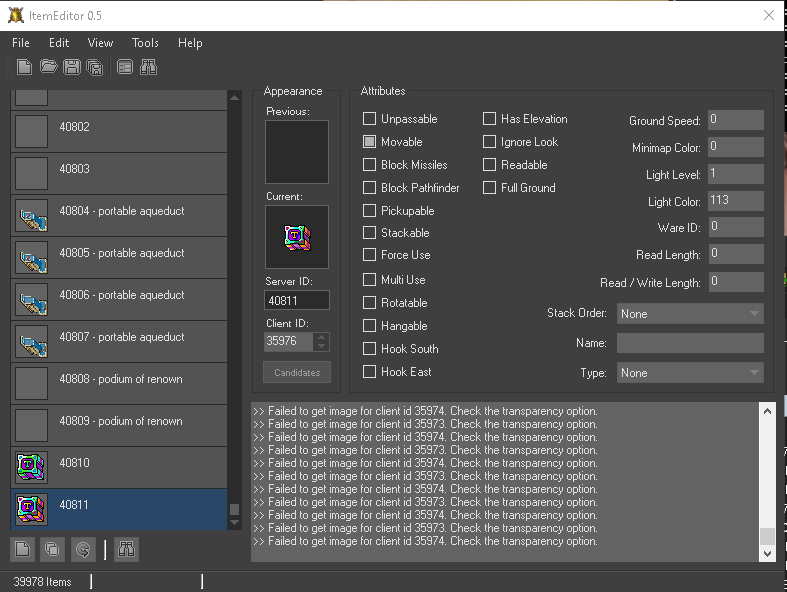
Check if the flags are the same on ASSET Editor from 12x and from Item Editor then reload flags from items editor -> option tools/reload item attributes
 
Back
Top