

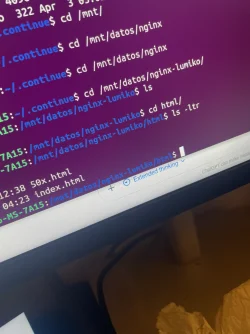
Guys i've been experimenting with Ubuntu 22.0.4 in an older pc I built with an rtx 2060 6gb and i3 processor. Installed ollama and already make Qwen2.5-code:7b run on it with Open WebUI to serve it on localhost:8080. The thing is I tried to pair it up to Visual Studio Code using Continue (so I can use Qwen to modify local files). This with the intention of building websites quickly on my local AI and modify local files attached to Docker (docker server the nginx files and does inverse pad mount to offer it on local aswell).
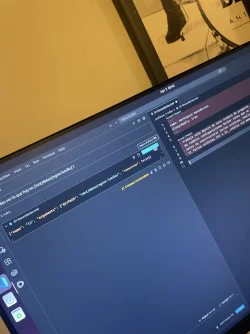
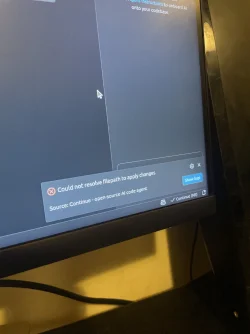
The thing is. When I run qwen on plan mode it works really well. It does craft solutions, and I think it analyses the local files. But when I run it on agent mode to directly modify the local files it says exceed context limit. So any advices on how to operate locally in a way that AI modify my local ubuntu files? I was thinking on using qwen1.8 or something lighter to try it out.
GPT is suggesting an entire different workflow with Qwen Code CLI + VS Code official extension + ~/.qwen/settings.json + modelProviders. Can you guys guide me in the right direction? Regards!
The thing is. When I run qwen on plan mode it works really well. It does craft solutions, and I think it analyses the local files. But when I run it on agent mode to directly modify the local files it says exceed context limit. So any advices on how to operate locally in a way that AI modify my local ubuntu files? I was thinking on using qwen1.8 or something lighter to try it out.
GPT is suggesting an entire different workflow with Qwen Code CLI + VS Code official extension + ~/.qwen/settings.json + modelProviders. Can you guys guide me in the right direction? Regards!
Attachments
-
 1775240389953.webp174.5 KB · Views: 31 · VirusTotal
 -
 1775240413665.webp172.4 KB · Views: 30 · VirusTotal
 -
 1775240516899.webp455.7 KB · Views: 30 · VirusTotal
Last edited:


