• There is NO official Otland's Discord server and NO official Otland's server list. The Otland's Staff does not manage any Discord server or server list. Moderators or administrator of any Discord server or server lists have NO connection to the Otland's Staff. Do not get scammed!
  • 2026 staff recruitment is open! Check it out and consider applying!

Sprite Manipulation

mackerel

Well-Known Member
Joined
Apr 26, 2017
Messages
398
Solutions
18
Reaction score
74
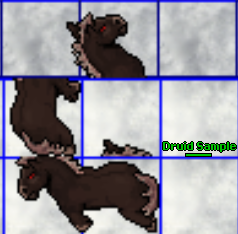
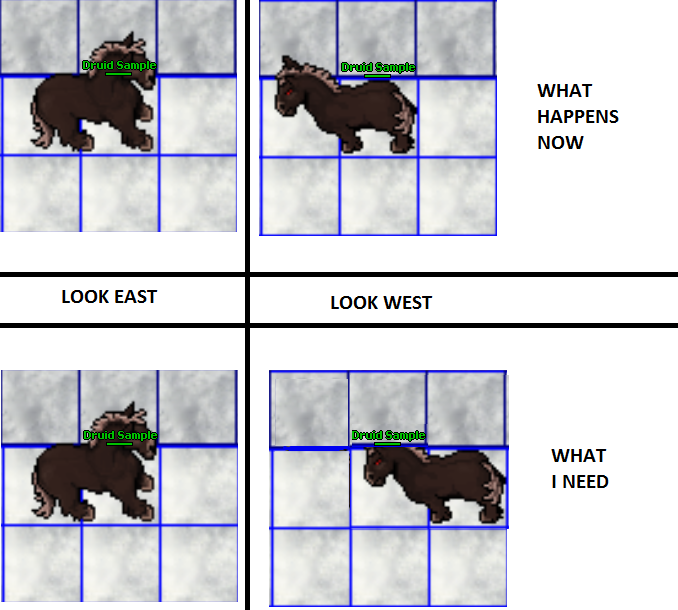
Just wondering if you can set certain direction of your looktype to appear differently, for example:
qP1DGiF.png


There is no point of producing much bigger sprites if you cannot really set your username to appear on X or Y coordinates based on your looktype/facing direction, or at least making it static on certain coordinates e.g. x+1

tfs 1.0
client v. 10.41
 
well the boxesy ou have on right bottom corner boi

I don't get it

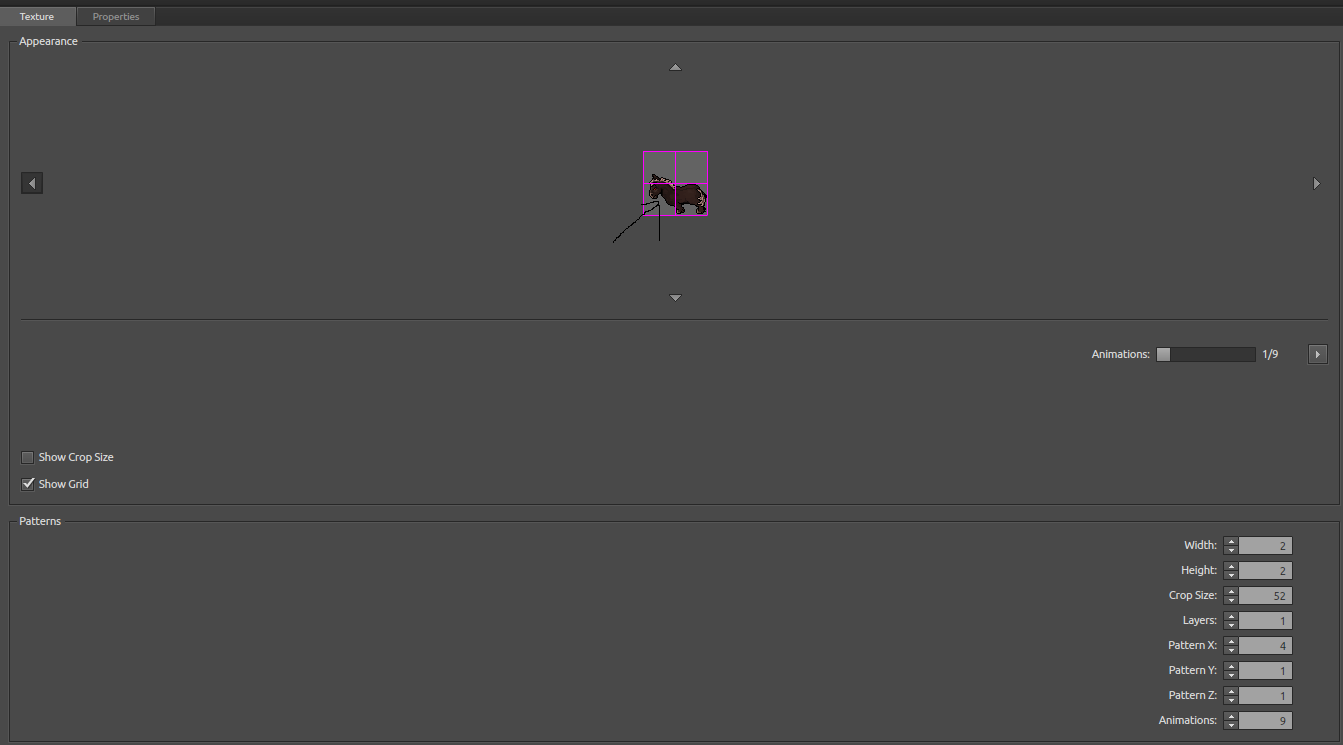
Width/Height - Increases/Decreases the entire sprite size
Crop Size - This is an option I believe that lets you cut the sprite based on the amount of pixels selected, hence crop size
Layers - No idea what it is, unless its the same as in photoshop (its not)
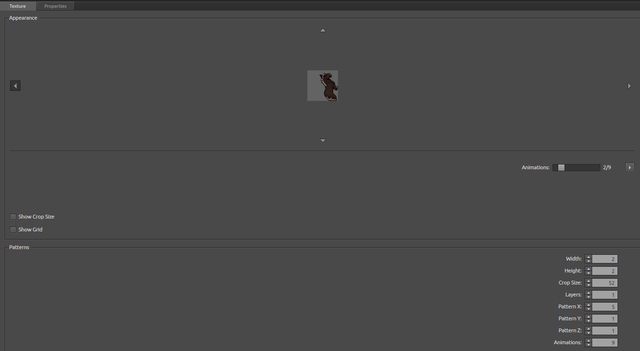
Pattern X/Y/Z - Changing any of these and the sprite is being positioned incorrently, e.g. having pattern 5 and arrow pointing left direction, the second animation will go upwards
et.png

Animations - the amount of animations per move
 
Layers - for blending.
Patterns - X's I belive are for directions, Y's are for addons, Z is for mount.
It is cause of sprite order, export some outfit to png and you will se how it is made :d
 
Layers - for blending.
Patterns - X's I belive are for directions, Y's are for addons, Z is for mount.
It is cause of sprite order, export some outfit to png and you will se how it is made :d

You're right, X is for directions, Y for addons and Z for mount, Layers allow players to set outfit colours.

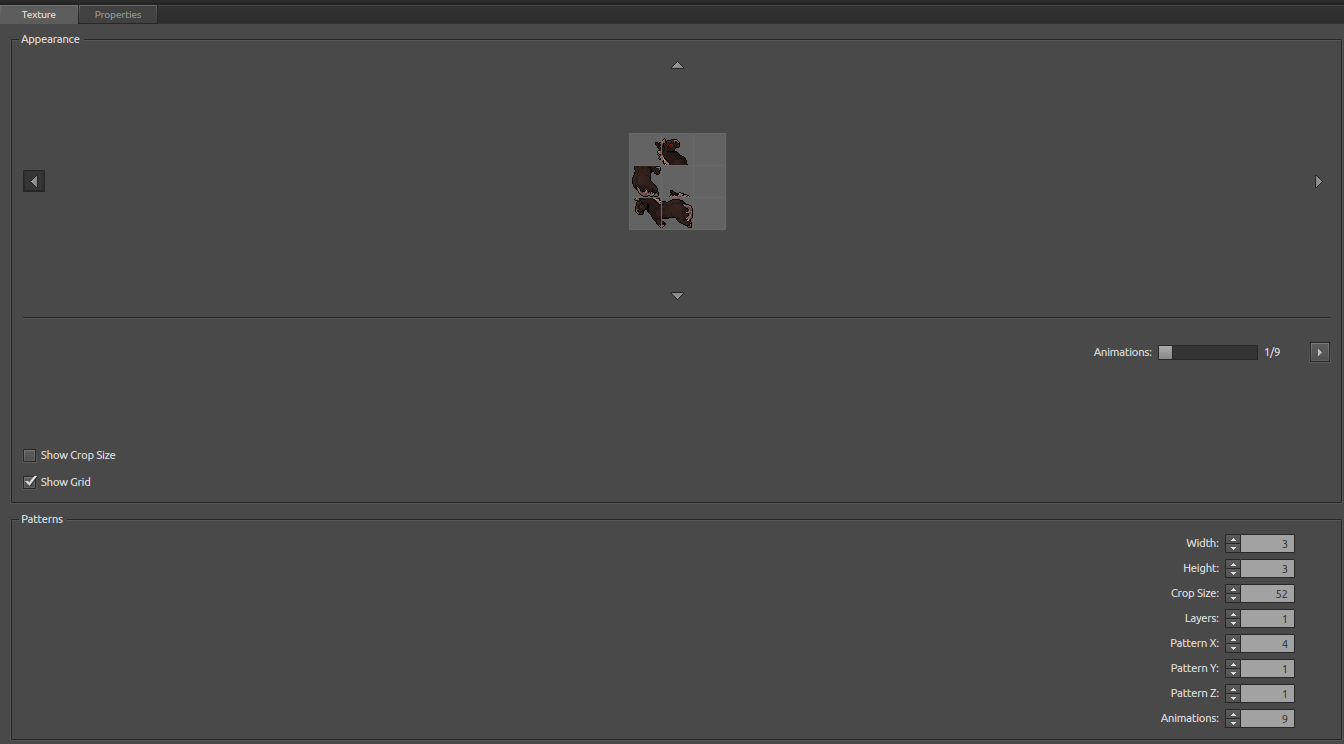
Any other number than 4 in X and you will get debug

no: 2
c0nJgrh.png


no: 5
2hqCmUd.png


no: 8
NwNZTQr.png
 
well mm in game it all makes sense anyways so why you trying to change it to make it look retard anyways? you that ocd cant live with it?

I am not referring to that outfit specifically, if you have your own custom sprites you may need to make some adjustments and in my case it looks really bad unless I decide to re-draw the sprite or fix it somehow. By fixing I mean setting the default point of your username appearing to one square to the left:p
 
I think you can't set the 'main square' to a different position because it's isometric perspective, so by default floor/character's feet should always be at bottom right square.
Setting health bar offset should be possible tho.
 
I am not referring to that outfit specifically, if you have your own custom sprites you may need to make some adjustments and in my case it looks really bad unless I decide to re-draw the sprite or fix it somehow. By fixing I mean setting the default point of your username appearing to one square to the left:p
maybe try swapping witch it might be easier for you to work that way they have similar point of view
look at these:
dMBbF7G.png

h2loWLu.png

Y22SC5o.png

9Yy0RrX.png
(this is Cipsoft 6.4 of Witch) Or Ferumbras???? what kkkkk! Stonehenge

or look at way witch is done i think that is how you want it see bottom picture
legs are on rightside his face going east<

but you are trying to mess with center it doesnt make sense sure if you push it to the right isnt that not CENTRE SQM >?
its Point of view like the earth is ment to be a ball too and its flat :O (in tibia anyways i cant see anything up there is no heaven? only hell...)
[stoner post pls leave for history purposes]
 
Last edited by a moderator:
I don't think you can change it in OBJect builder, because health bar and the nickname will always be in that place (ie. down/right spot) no matter what you do, that's how it was made.
 
I don't think you can change it in OBJect builder, because health bar and the nickname will always be in that place (ie. down/right spot) no matter what you do, that's how it was made.
(thats how it makes perfect sense when it is in Centre tile he wants it to be standing on tile to the left!
 
Back
Top