• There is NO official Otland's Discord server and NO official Otland's server list. The Otland's Staff does not manage any Discord server or server list. Moderators or administrator of any Discord server or server lists have NO connection to the Otland's Staff. Do not get scammed!
  • 2026 staff recruitment is open! Check it out and consider applying!

Xampp and tfs error

Zuxus

Learning C++ and Lua
Joined
Jul 2, 2007
Messages
108
Reaction score
0
Location
Norway
I have a problem, i followed this tutorial:
http://otland.net/f137/all-steps-how-create-forgotten-server-7839/
But when i run xampp-start i get this message.
start-1.jpg

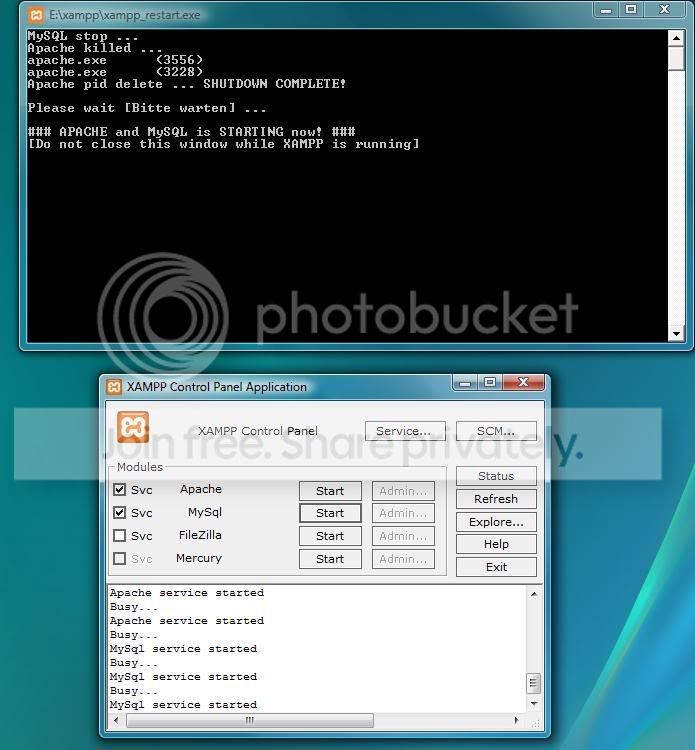
And then i tried to run the xampp-restart and it worked fine.
restart-1.jpg

So with the restart working fine i tried to open TFS and got this message.
Help-1.jpg

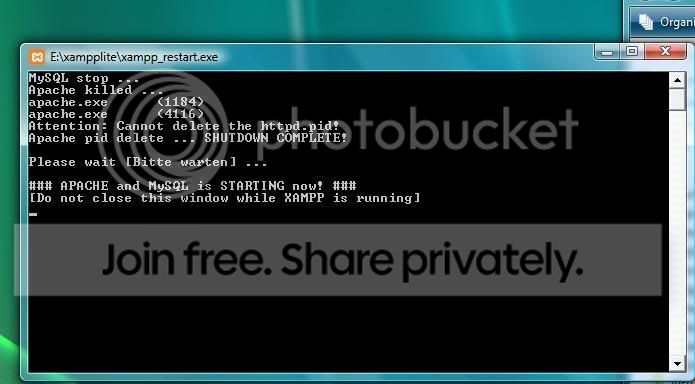
I tried with xampp lite but the start and the restart is the same as Xampp.

I am using TFS 8.11 rev 902 from the tutorial i followed.
Btw i am using windows vista if that will have anything to say?
Need a hand here?
Can anyone help me?
 
Make sure that port 80 is not being used by any other programs like skype.

Try to run xampp directly in disk C.
 
I followed the tutorial created a database, and I checked the xampp control but it says the are running.
Its running on disk E: because thats the 1tb harddrive and C: is the SSD
I dont think anything is using port 80
 
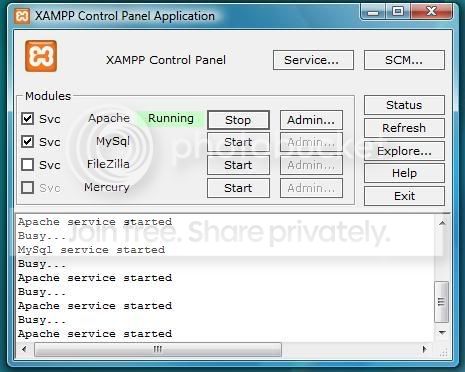
Still doesn't work if I exit xampp completly and open again and try to start apache and mysql in the control they start for a few seconds and the shuts down again.
weird.jpg


And after some repetitions of this it won't even start at all.
It says busy?
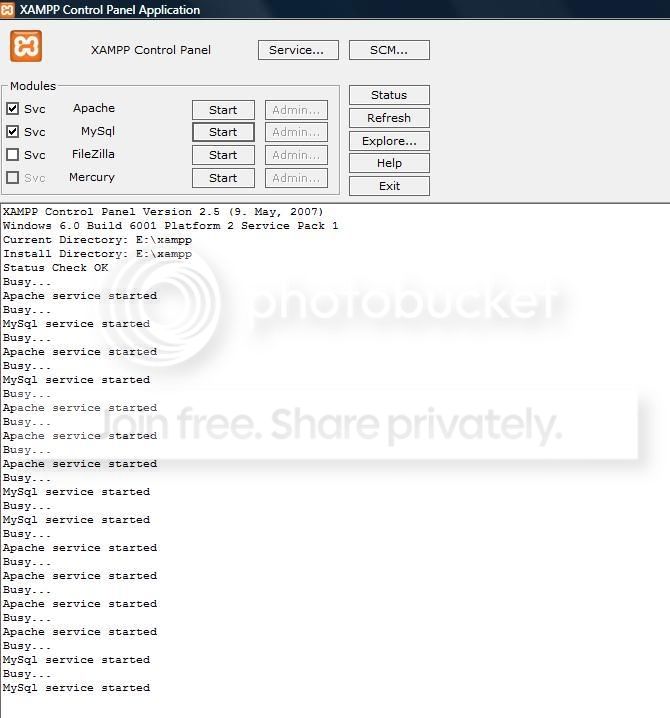
Weirder.jpg


The control wont react to the restarter.

Weirdest.jpg


Help pls
 
Opened all the ports?
In your xampp folder there's a exe file named "Xampp port check" (something like that)
Click on it and see if the ports are used properly.
Ports that needs to be open is like: 3306, 80 & 443.

Hope it helped, good luck :)
 
I checked the ports but it didn't help.
But I ran something called setup-xampp and then tried to run xampp-start, and it worked perfectly. I switched to xampp lite, because this didn't work for me in normal Xampp.
Now everything works.
And my server is online.
Btw sorry for the double post.

PS: switched to sql because i couldn't get my xml server online. Thanks for the help btw.
 
I have a problem, i followed this tutorial:
http://otland.net/f137/all-steps-how-create-forgotten-server-7839/
But when i run xampp-start i get this message.
start-1.jpg

And then i tried to run the xampp-restart and it worked fine.
restart-1.jpg

So with the restart working fine i tried to open TFS and got this message.
Help-1.jpg

I tried with xampp lite but the start and the restart is the same as Xampp.

I am using TFS 8.11 rev 902 from the tutorial i followed.
Btw i am using windows vista if that will have anything to say?
Need a hand here?
Can anyone help me?


Did you use the Xampp_start button? And also make sure your apache and MySQL are offline in the XAMPP Control panel, so it wont be conflicts. Try to just re-start your computer, go to your xampp folder, start xampp_start, go to config.lua and make sure everything is right there and start the server. If you still have the same problem, try out one of my tutorials:

http://otland.net/f137/how-setup-mysql-answers-normal-errors-too-11804/


Hope I helped you.
 
Back
Top