maxil
Member
- Joined
- Oct 10, 2008
- Messages
- 16
- Reaction score
- 13
Hello everyone,
I’m sharing concept of a small desktop tool I built to design NPC behavior visually. It’s a node-based Blueprint editor with per‑NPC persistence and useful UX features for building dialogues, triggers and scripted events.
Key features
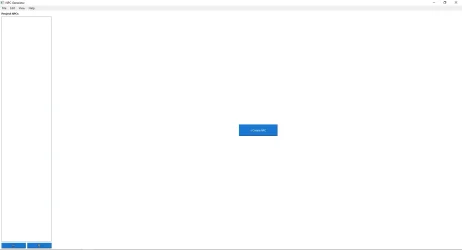
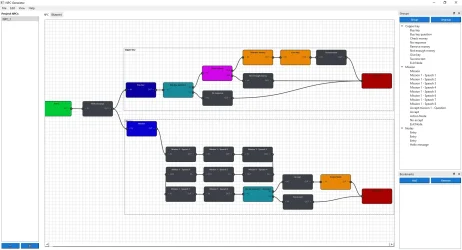
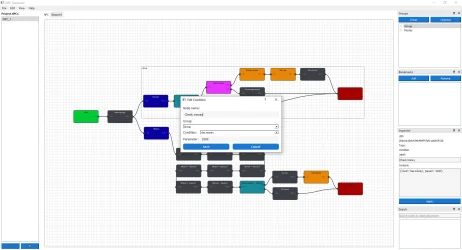
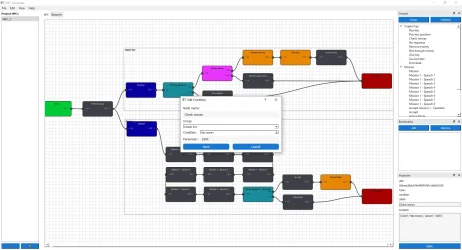
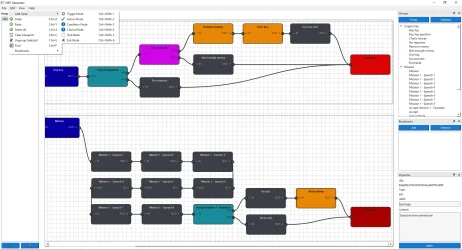
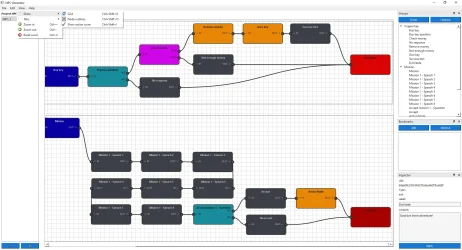
I’m sharing concept of a small desktop tool I built to design NPC behavior visually. It’s a node-based Blueprint editor with per‑NPC persistence and useful UX features for building dialogues, triggers and scripted events.
Key features
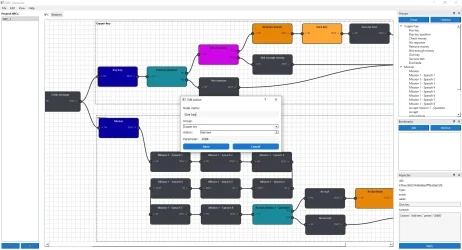
- Node-based Blueprint editor: drag nodes, connect sockets, and create branching logic (trigger, action, condition, choice, text, exit).
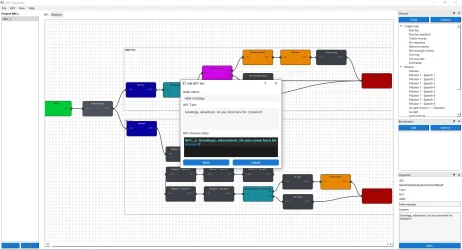
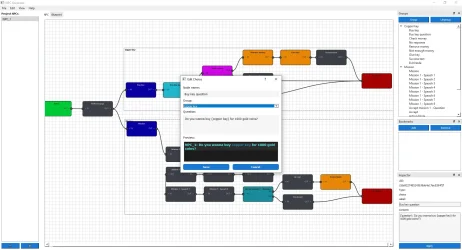
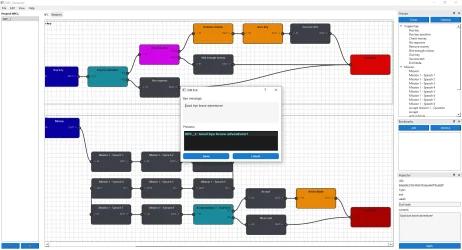
- Inspector: view and edit selected node/group properties (UID, type, label, content) from a dock.
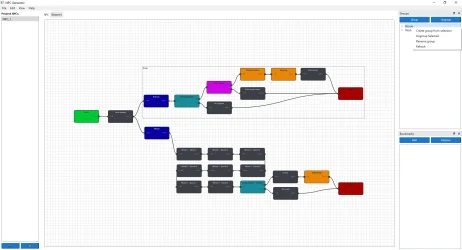
- Groups & Outline: create groups (containers) of nodes, rename and move them; Outline dock shows groups and node tree for quick navigation.
- Bookmarks: save and jump to view frames (camera positions/zoom) via a Bookmarks dock or menu.
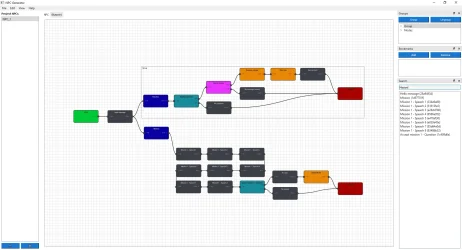
- Search & Results: incremental search for nodes by label, UID or content with a clickable results list.
- Undo/Redo and safe node deletion: history for recent edits and confirmations to avoid accidental loss.
- Per‑NPC blueprint persistence: each NPC has a saved blueprint (JSON project export/import).
- Themes & translations: runtime language selection and light/dark theme support.
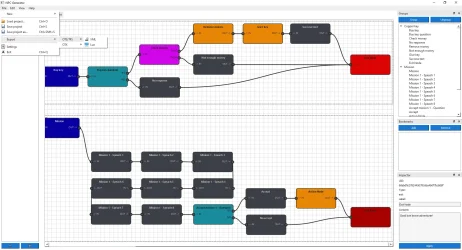
- Misc UX: grid background, node outlines toggle, action icons, auto‑zoom to nodes/groups, and keyboard shortcuts for common tasks.
- Game designers prototyping NPC behaviors and dialogue flows.
- Modders who need a visual way to serialize NPC scripts into JSON/Lua.
- Anyone who wants a compact visual tool to model event-driven NPC logic.
- What to capture: left NPC list, top menu, tabs (NPC + Blueprint) and right docks (Outline/Bookmarks/Inspector if visible).
- Where to put: first image in the post, near the opening paragraph to show the overall UI.
- Tip: use a slightly wide crop so the blueprint area is visible.
- What to capture: several connected nodes, one selected node, and visible connection curves.
- Where to put: below the "Node-based Blueprint editor" bullet to illustrate editing and connections.
- Tip: annotate or highlight one connection and node label if possible.
- What to capture: a group container surrounding nodes, the Outline tree expanded showing that group.
- Where to put: near the "Groups & Outline" section.
- Tip: crop so both the group and Outline entries are legible.
- What to capture: Inspector dock showing UID, Type, Label and Content fields with values.
- Where to put: near the "Inspector" bullet.
- Tip: show the Apply button and a short edited value to demonstrate live edits.
- What to capture: search box with results list populated and Bookmarks dock visible (optional).
- Where to put: near the "Search & Results" and "Bookmarks" bullets.
- Tip: show a clicked result or active bookmark so readers see the jump/zoom.
Post automatically merged:
Post automatically merged:
Last edited: