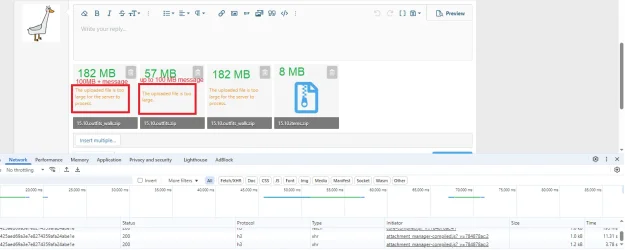
Your user group's upload limit is 50 MB and Cloudflare's limit is 100 MB.It's not perfect, but muuuch better.
I can upload 20+ MB without error, and now it always shows that file is too big on uploaded file.
Only problem left is that I can "upload" 57 MB - it shows progress bar and takes time to upload - and at end of upload it shows "The uploaded file is too large". IDC with 90 mb/s upload, but for someone with 1 mb/s upload, it can be very annoying.
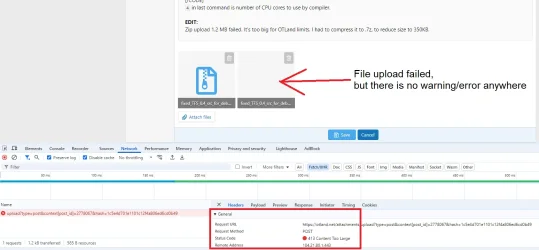
100+ MB file upload file error is different (probably Cloudflare limit? appears instantly, does not upload file at all), than up to 100 MB file upload error:
View attachment 93848
That's correct. Since we have increased upload limits (it used to be 1 MB, now it's 50 MB for most users), it makes no sense to allow large file uploads in private conversations where nobody but (usually) one person can benefit. It's not the best use of forum's resources and I trust you can find other private file sharing method if you really need to.In the past, we could attach images and files via private messages,
and now we can't anymore![]()
and yes, I found a method by sending links through prnt.scI trust you can find other private file sharing method if you really need to.