Follow along with the video below to see how to install our site as a web app on your home screen.
Note: This feature may not be available in some browsers.
There is NO official Otland's Discord server and NO official Otland's server list. The Otland's Staff does not manage any Discord server or server list. Moderators or administrator of any Discord server or server lists have NO connection to the Otland's Staff. Do not get scammed!
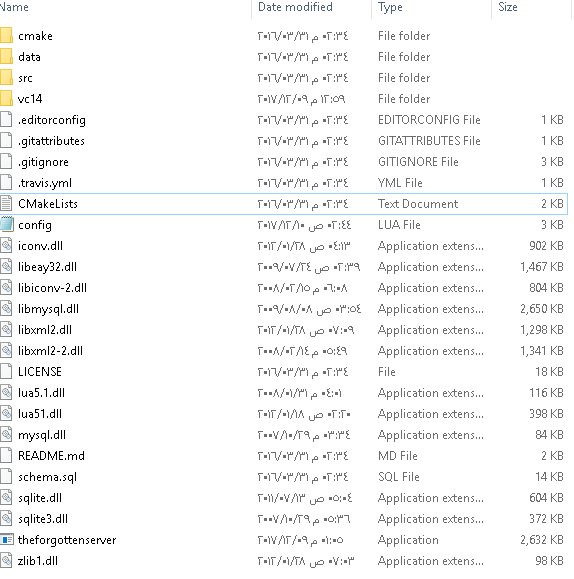
Open it with CMD and use commands to get to the folder, "cd c:\ (path to server folder)"
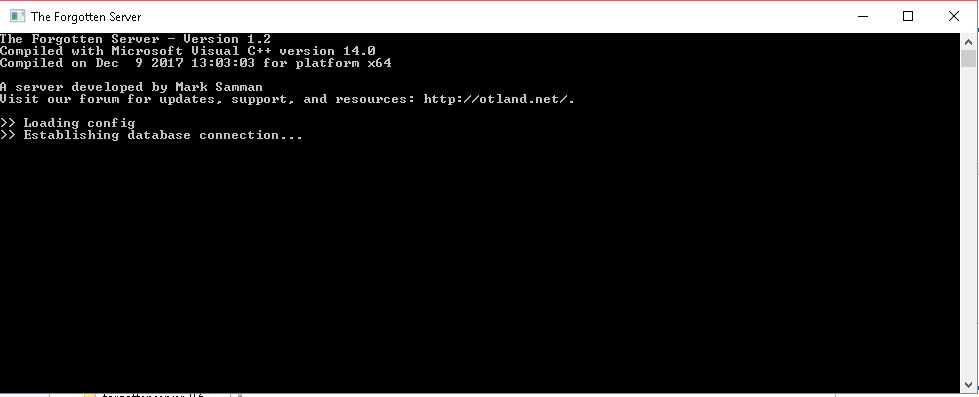
Then when it shows that you are in that folder write "start tfs.exe" (or w/e the name of your exe is).