I’ve got my hands on the Evolisca files through one of its developers and decided to share them with the community since I won’t be using them.
The distribution includes the Evolisca proxy system, Datapack (with sources), its official OTClient, and MyAAC files. Hopefully, this can help someone build a better server or make use of its modules, systems, sprites, and more.
Evolisca is a custom evolution-based server built on the OTX2 engine, with many modules, systems, and custom sprites.
Some info about the server:
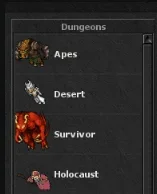
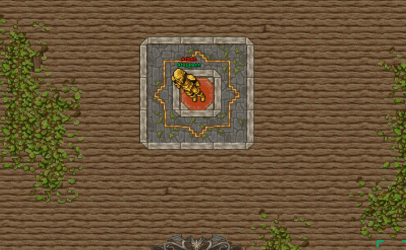
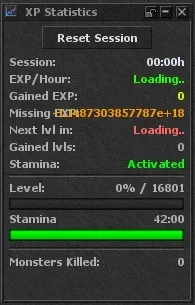
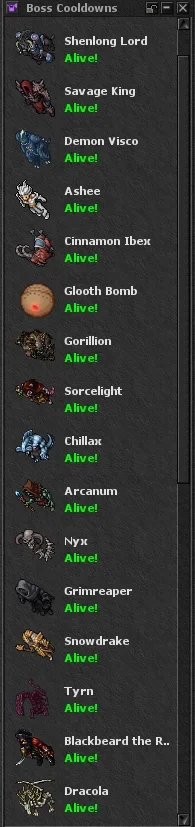
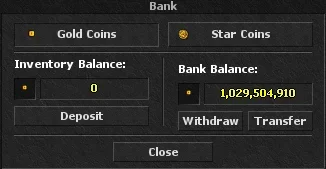
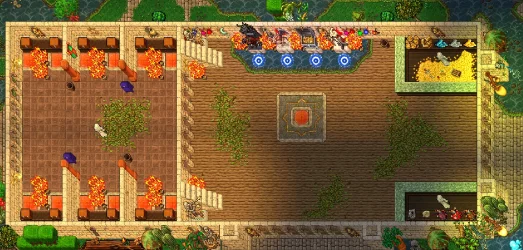
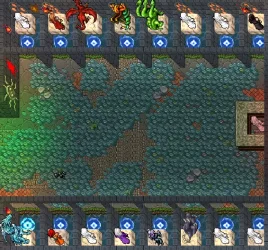
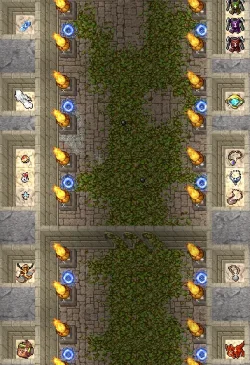
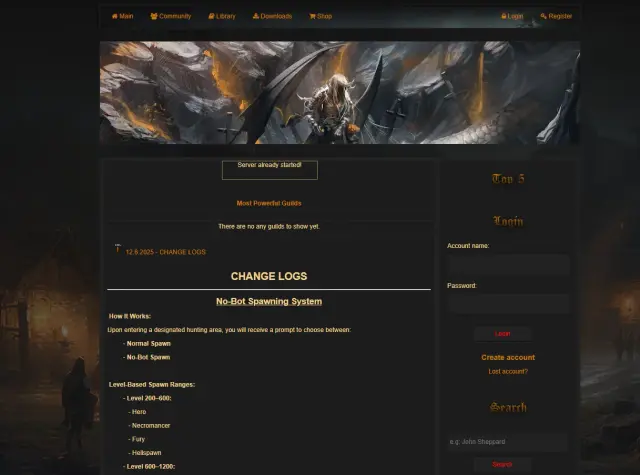
Here are some screenshots of the project:
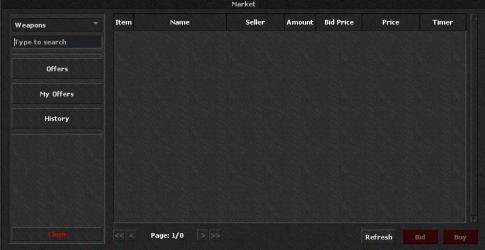
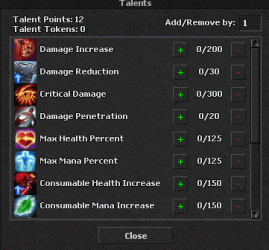
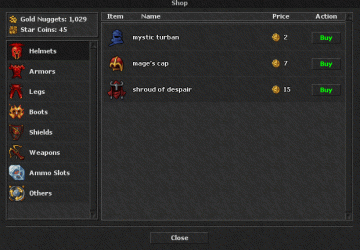
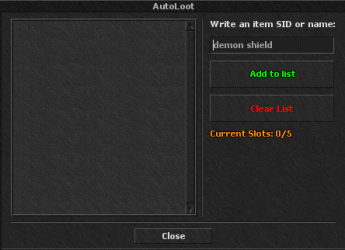
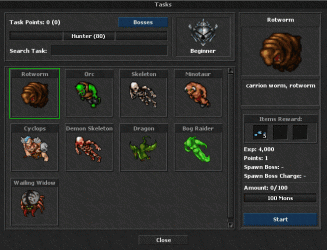
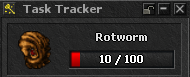
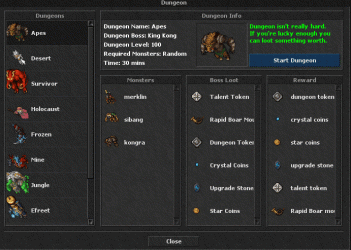
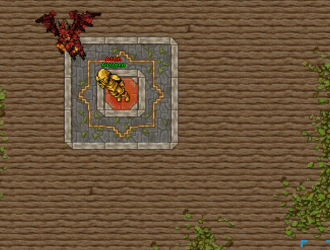
Client Setup:
Download all 3 files:
Evolisca Client + things.rar + items.rar
Steps:
1. Extract the Evolisca Client
2. Extract things.rar and move the (things) folder into: Client\data
3. Extract items.rar and place items.otb inside: Client\data\things
4. Final structure should look like: Client\data\things\items.otb
Evolisca AAC:
GitHub - Aizendaza/Evolisca-AAC (https://github.com/Aizendaza/Evolisca-AAC)
Virus Scan: Evolisca_server.zip
Virus Scan: Evolisca_proxy_system.zip
Virus Scan: Evolisca_client.zip
Virus Scan: Evolisca_AAC.zip
Note: A few people were asking for the Latest Evolisca Client, so I uploaded it separately.
The distribution includes the Evolisca proxy system, Datapack (with sources), its official OTClient, and MyAAC files. Hopefully, this can help someone build a better server or make use of its modules, systems, sprites, and more.
Evolisca is a custom evolution-based server built on the OTX2 engine, with many modules, systems, and custom sprites.
Some info about the server:
- Custom Missions
- Custom Islands
- New Vocation Buffs
- Custom Equipment
- Charms
- Dungeons
- Task System
- Cursed Chests
- Monster Orbs
- Monster Skulls
- Daily Rewards
- Enchanted Items System
- Talents
- Market
- Boss Cooldown
- Waypoints
- Craft System
- Fishing System
- Footprints
- Birds
Keep in mind: A large portion of the scripts appear to be AI-generated.Here are some screenshots of the project:
Client Setup:
Download all 3 files:
Evolisca Client + things.rar + items.rar
Steps:
1. Extract the Evolisca Client
2. Extract things.rar and move the (things) folder into: Client\data
3. Extract items.rar and place items.otb inside: Client\data\things
4. Final structure should look like: Client\data\things\items.otb
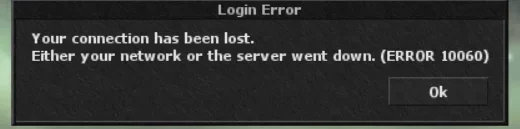
If you have login issues with the client, remove the “proxy” lines from init.lua in your client folder. A fixed file is already attached.Evolisca AAC:
GitHub - Aizendaza/Evolisca-AAC (https://github.com/Aizendaza/Evolisca-AAC)
Virus Scan: Evolisca_server.zip
Virus Scan: Evolisca_proxy_system.zip
Virus Scan: Evolisca_client.zip
Virus Scan: Evolisca_AAC.zip
Note: A few people were asking for the Latest Evolisca Client, so I uploaded it separately.
Attachments
-
Evolisca_server.zip50.2 MB · Views: 526 · VirusTotal
-
Evolisca_proxy_system.zip10.1 KB · Views: 377 · VirusTotal
-
items.rar765 KB · Views: 406 · VirusTotal
-
things.rar99.3 MB · Views: 458 · VirusTotal
-
Evolisca_client.rar71.6 MB · Views: 483 · VirusTotal
-
init.lua1.7 KB · Views: 217 · VirusTotal
Last edited: