• There is NO official Otland's Discord server and NO official Otland's server list. The Otland's Staff does not manage any Discord server or server list. Moderators or administrator of any Discord server or server lists have NO connection to the Otland's Staff. Do not get scammed!
  • 2026 staff recruitment is open! Check it out and consider applying!

Creating Account on account manager proplem

amr shalapy

Banned User
Joined
Aug 28, 2014
Messages
122
Reaction score
8
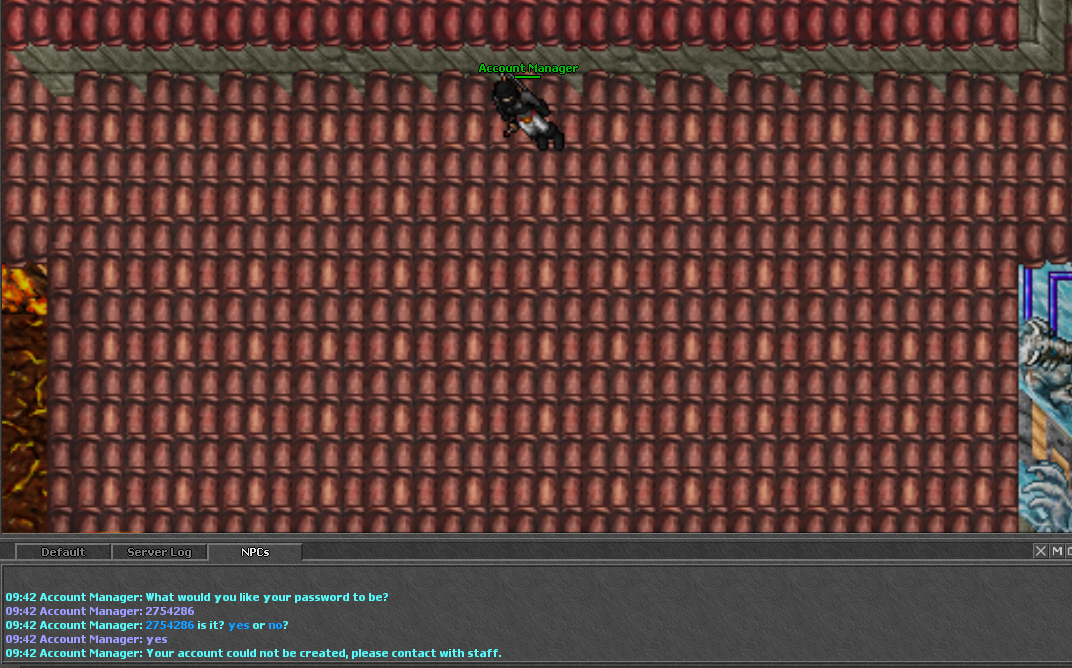
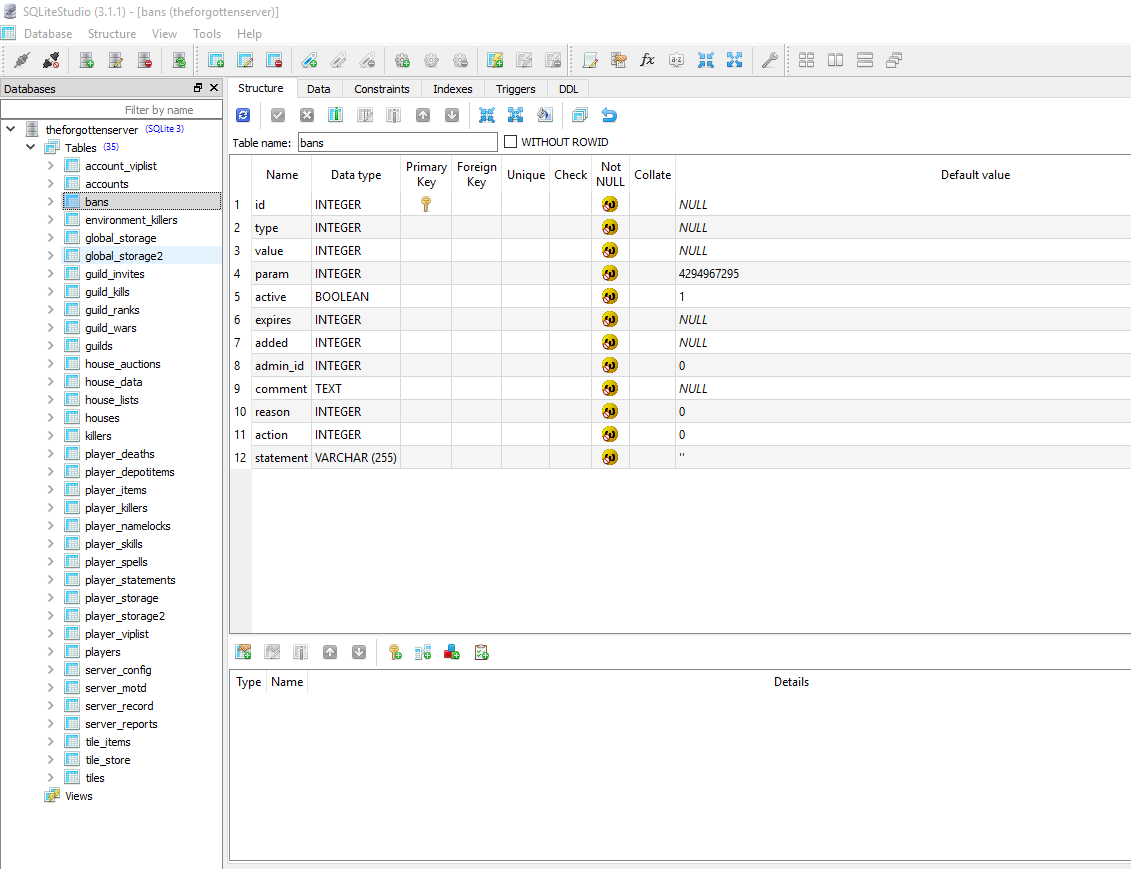
when i trying to creat an account with account manager it says 09:34 Account Manager: Your account could not be created, please contact with staff. and i get error code in engine here is the screenshots i have tfs version 0.3.7_SVN please help
5NB7md.png
Cnf5VQ.png
 
you need to download sqlite studio and insert a column called "created" in your accounts table man, it is not that hard. Google sqlite studio and download the software. After this you need to open the software, and open the database (.s3db file) in your server folder. The database will be loaded in the software and then you go to tables -> accounts -> and right click "accounts" with your mouse and select "insert new column". Name your new column "created" and then just press ok.
After this click on the yellow "check" button on the top of your screen (it is the "commit changes" button). Close the software and try creating an account again

 
how to setup a website for this tfs 0.3.7
google.com .............. have you ever learned the expression "babysteps"? Do things in your own time, if you don't even know how to use sqlite I don't think you are ready to set up a website... Experiment with what you have learned a little and then move on to more advanced stuff. If you can't wait then just google lol
 
Back
Top