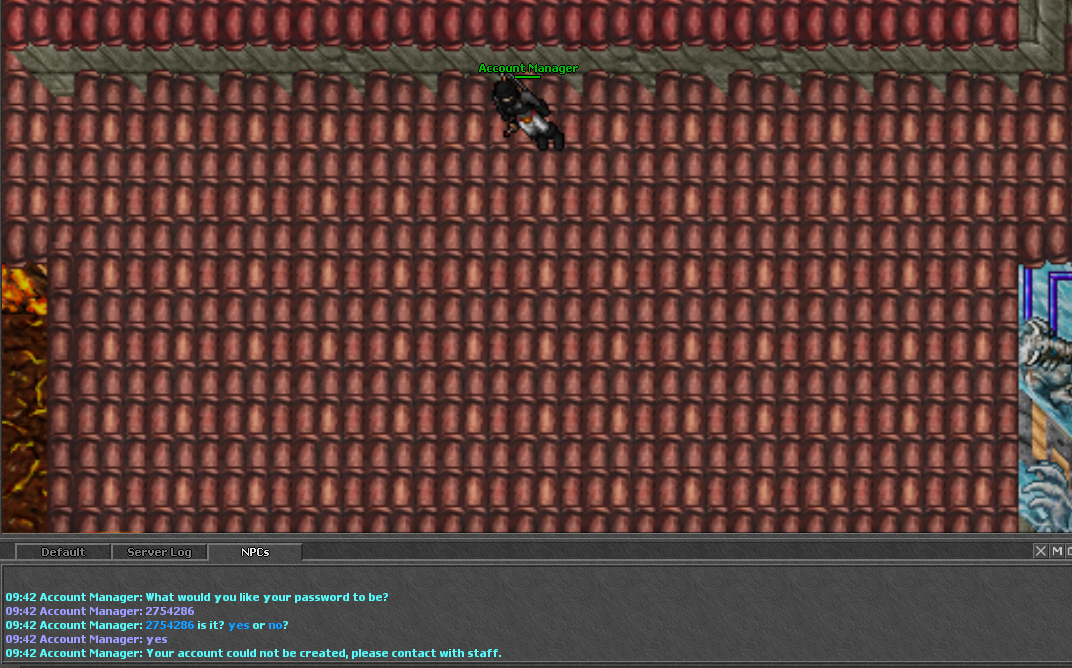
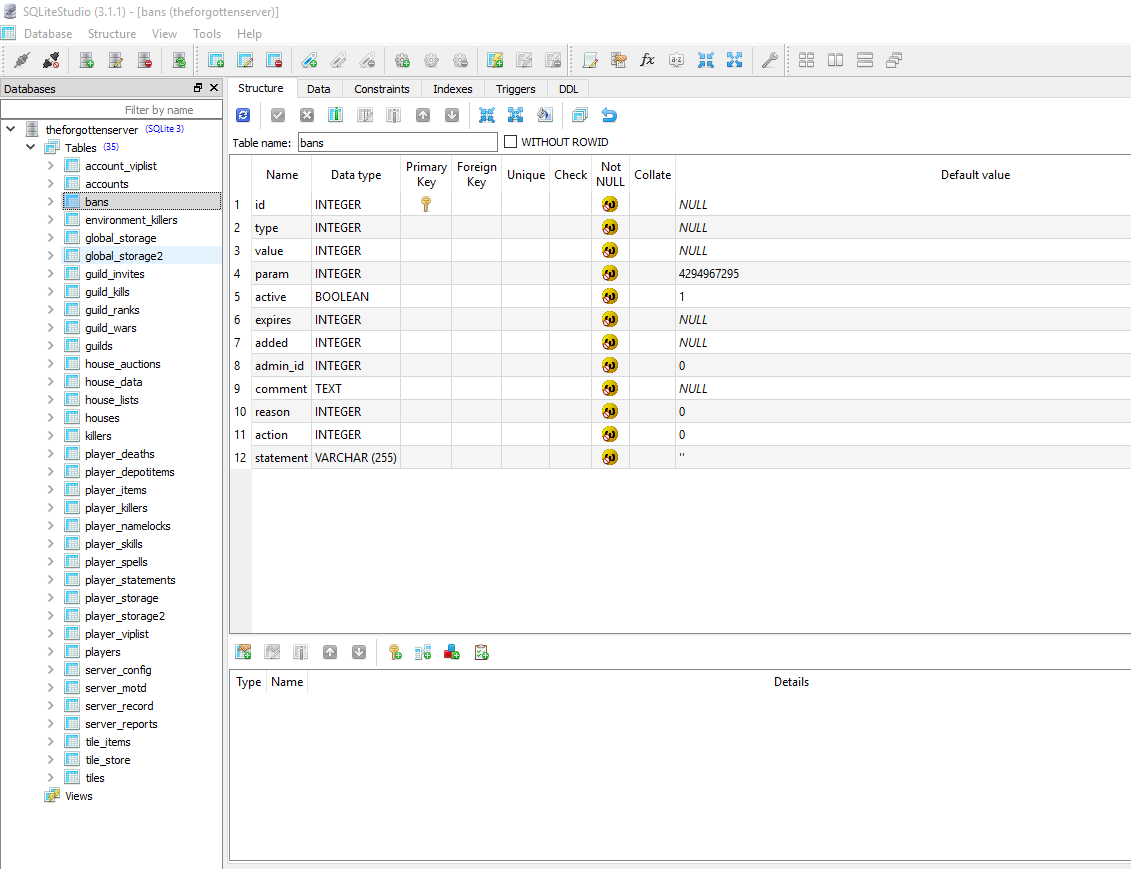
you need to download sqlite studio and insert a column called "created" in your accounts table man, it is not that hard. Google sqlite studio and download the software. After this you need to open the software, and open the database (.s3db file) in your server folder. The database will be loaded in the software and then you go to tables -> accounts -> and right click "accounts" with your mouse and select "insert new column". Name your new column "created" and then just press ok.
After this click on the yellow "check" button on the top of your screen (it is the "commit changes" button). Close the software and try creating an account again