Mjmackan
Mapper ~ Writer
Hello!
Using: Object Builder 0.3.3 for spr/dat 10.98
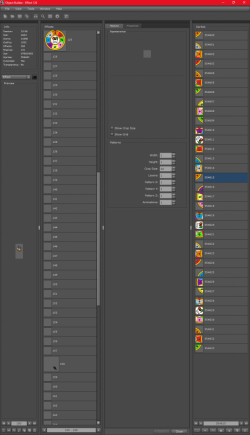
I want to duplicate a sprite, however when I do so it gets moved to the last spot and when the last spot is higher than slot 255 it wont be useable ingame.
I tried to remove since I do have lots and lots of empty slots but without success, nothing happens, I also tried to replace/import the .png and/or .obj file into an empty effect sprite slot but nothing happens.
Any ideas on how to solve it? Then please tell how :3
Using: Object Builder 0.3.3 for spr/dat 10.98
I want to duplicate a sprite, however when I do so it gets moved to the last spot and when the last spot is higher than slot 255 it wont be useable ingame.
I tried to remove since I do have lots and lots of empty slots but without success, nothing happens, I also tried to replace/import the .png and/or .obj file into an empty effect sprite slot but nothing happens.
Any ideas on how to solve it? Then please tell how :3

 maybe help will arrive with a bit more information!